

Open clinic sign-in. If a paid plan sent you here, you’ll return to the same checkout after you sign in. Checkout itself doesn’t complete a card charge today — see Billing.
-
Email a sign-in code
Enter the email for your clinic account and choose Email me a sign-in code. DearDoctor emails a 6-digit code. A new code can be requested once a minute.
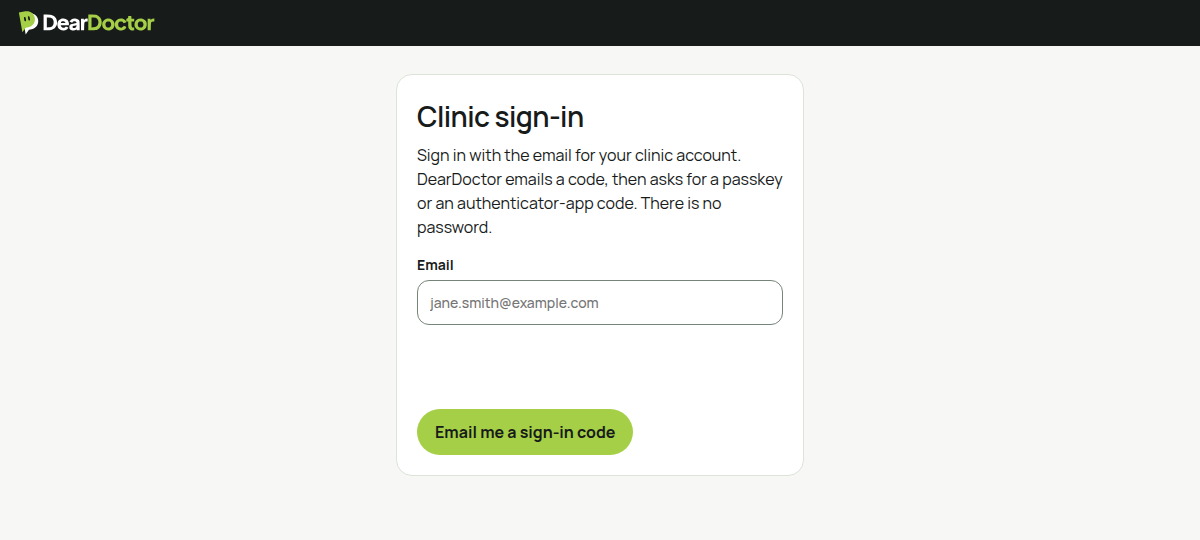
The sign-in screen. The address in the field is the page’s own example. Not a real patient or clinic record. -
Enter the code
Open the email and type the 6-digit code, then choose Continue. If it doesn’t arrive, use Email another code after a minute, and check the address.
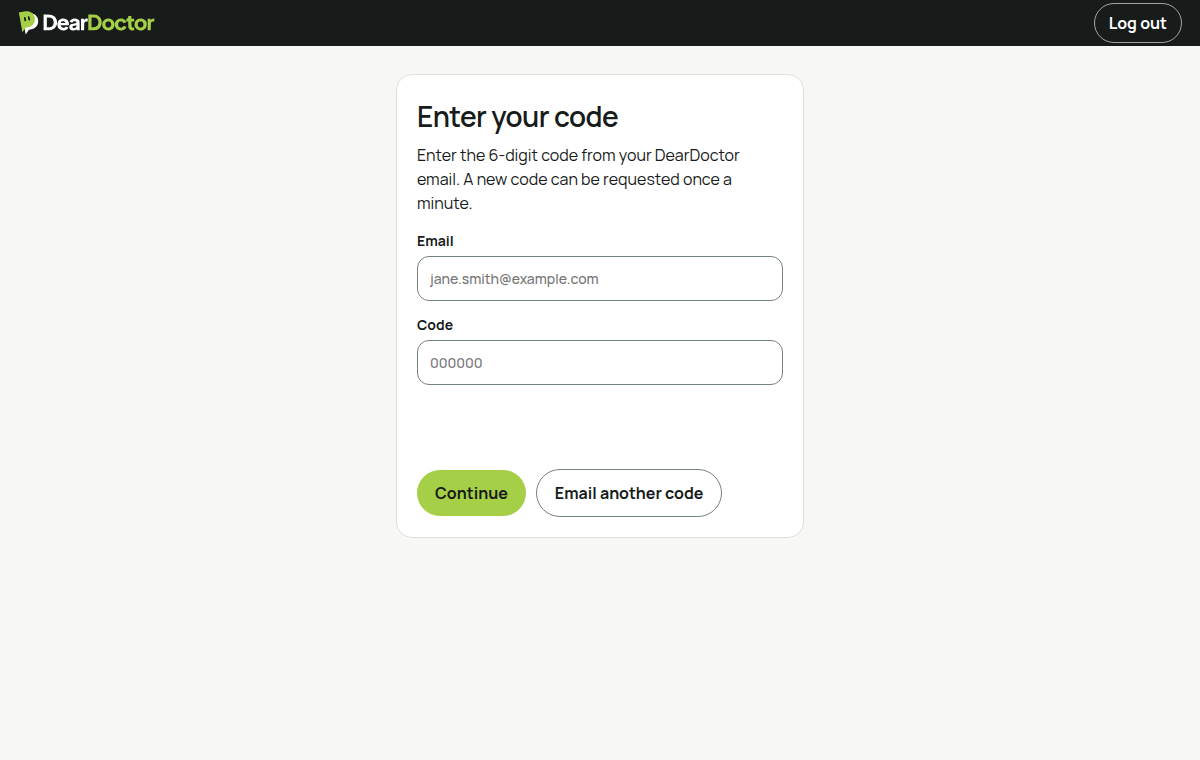
The code step. The address in the field is the page’s own example. Not a real patient or clinic record. -
Confirm it’s you
After the code, DearDoctor asks for a passkey or an authenticator-app code. The first time, you set one of those up. A passkey is the usual choice. An authenticator app works as well. Recovery codes, if you are shown them, appear only that once — keep them somewhere only you can open.
You can tick Trust this device for 30 days. The hint on the page is to only tick this on a device that only you use. Leave it unticked on a shared clinic computer. The tick is on this confirmation step, not on the first email screen.


Sign-in needs JavaScript. If the page says it didn’t load, refresh it and try again. Too many attempts will ask you to wait a few minutes.